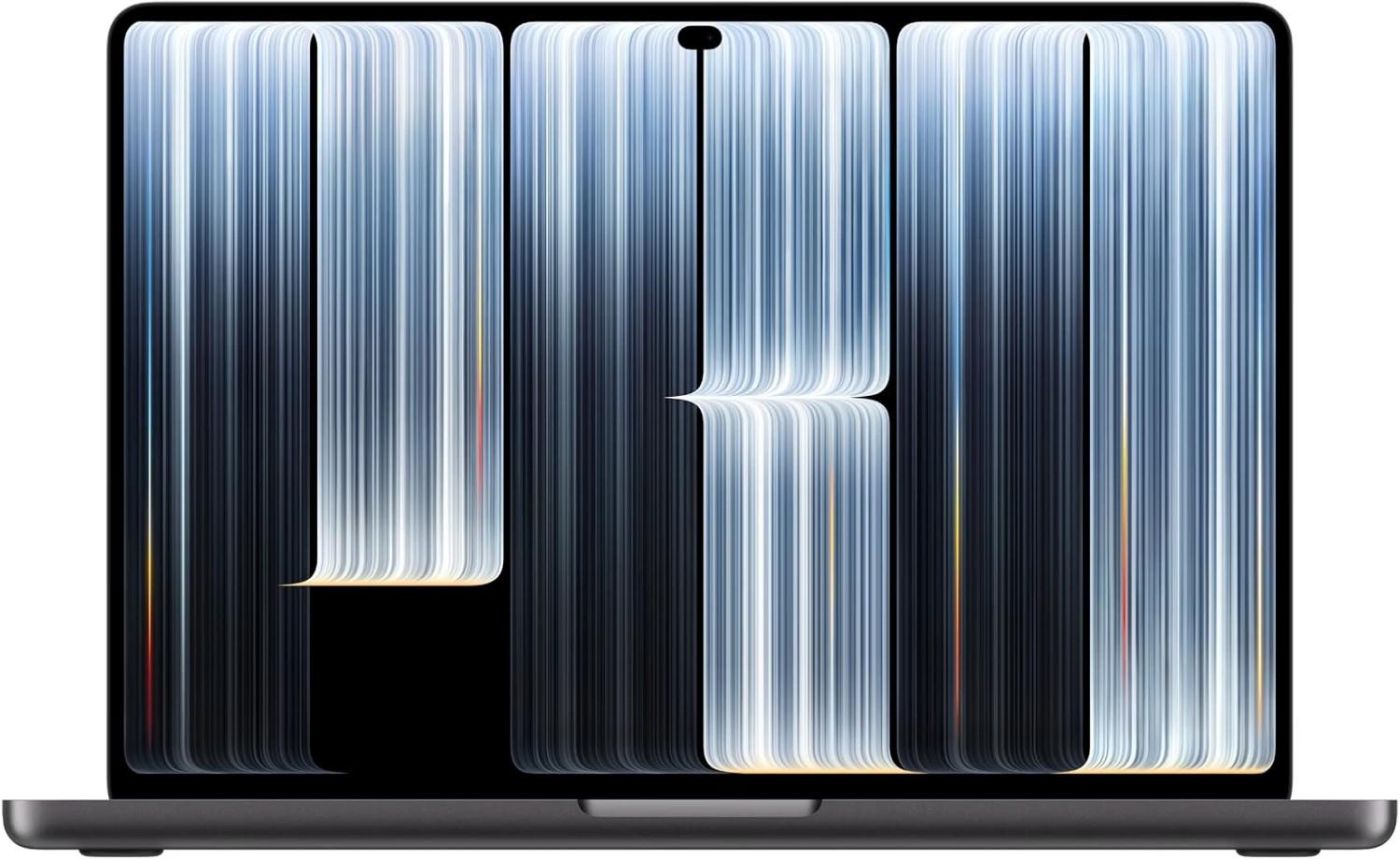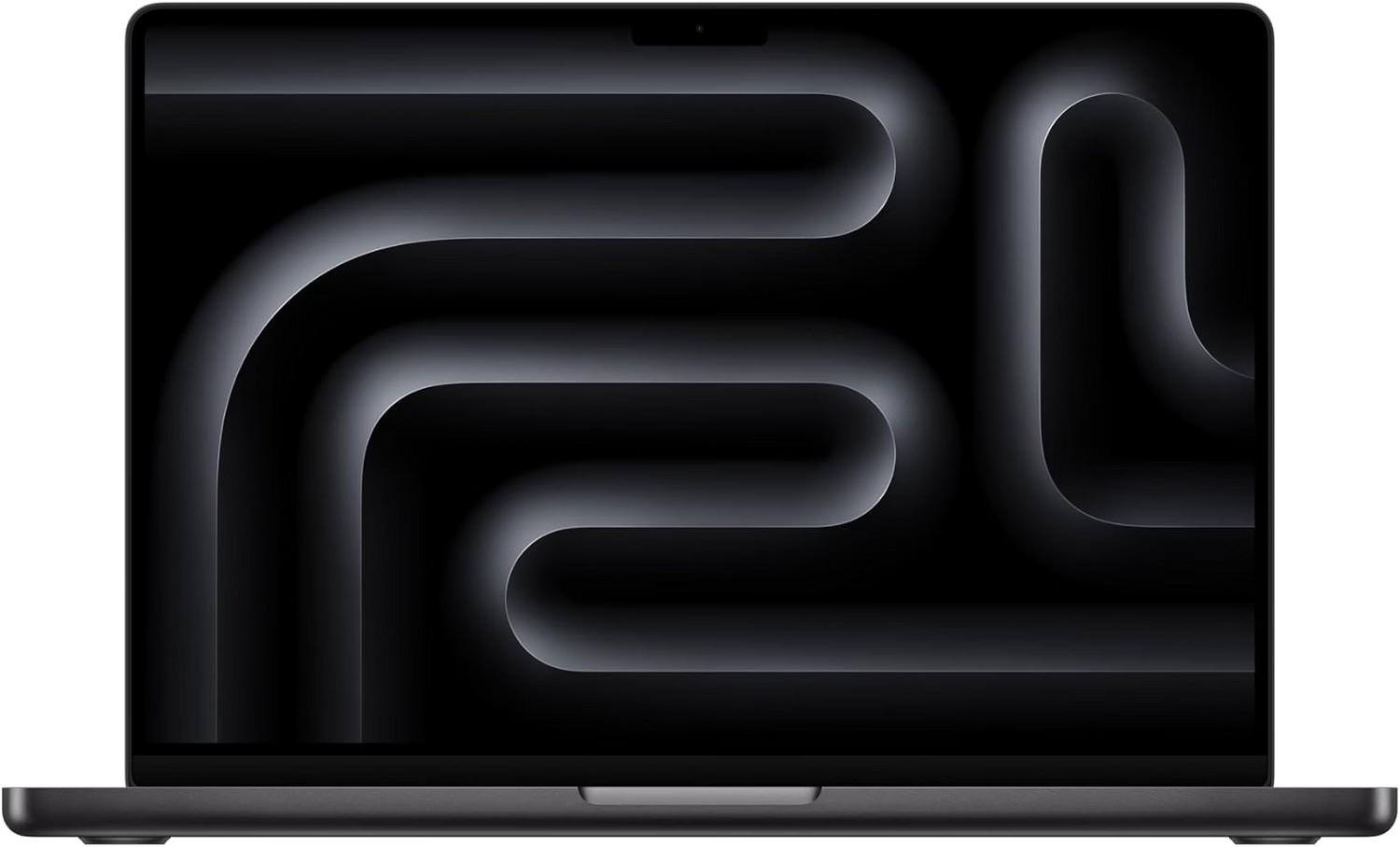
For the first time, there are two kinds of MacBook Pro display to choose from. Alongside the Liquid Retina XDR display Apple has used for years, the new PROLED XDR models have a tandem OLED display that responds to touch.
Both go into the same 14 inch and 16 inch bodies, with the same M5 Pro and M5 Max chips, the same ports and the same battery life. So this is not a choice about speed. It is a choice about the screen, and about how much the machine weighs in your bag.
The two side by side
The specification as it appears on our product pages, for the 14 inch model with the M5 Pro chip:
| PROLED XDR | Liquid Retina XDR | |
|---|---|---|
| Panel | Tandem OLED | Liquid Retina XDR |
| Touch | Multi-Touch gestures, with the Dynamic Island | Not a touch screen |
| Contrast | 10,000,000:1 | 1,000,000:1 |
| Brightness | 1000 nits sustained, 2000 nits peak | 1000 nits sustained, 1600 nits peak HDR |
| Refresh rate | ProMotion, 10Hz to 120Hz | ProMotion, up to 120Hz |
| Resolution | 3024 x 1986 at 254 ppi | 3024 x 1964 at 254 ppi |
| Thickness | 1.50 cm | 1.55 cm |
| Weight | 1.38 kg | 1.60 kg |
| Battery | Up to 22 hours video streaming | Up to 22 hours video streaming |
| Chips offered | M5 Pro, M5 Max | M5, M6, M5 Pro, M5 Max |
At 16 inches the gap in weight is larger: 1.82 kg for the PROLED XDR model with M5 Pro, against 2.14 kg for the Liquid Retina XDR one. The PROLED XDR screen is a little larger there too, at 16.3 inches rather than 16.2.
Prices
Configuration for configuration, the PROLED XDR model costs more for the same chip, memory and storage. The tables above set the two against each other at today’s prices.
What the PROLED XDR display changes
Contrast you can see
An OLED panel lights each pixel itself, so a black pixel is simply off. That is where the 10,000,000:1 contrast comes from, ten times the figure for the Liquid Retina XDR display, and it shows most in dark scenes: films, night photography, dark mode, and anything graded for HDR. The PROLED XDR display also reaches 2000 nits at its peak, against 1600 for HDR on the Liquid Retina XDR.
The Liquid Retina XDR display is still an excellent screen, with the same sustained brightness of 1000 nits and the same ProMotion. For spreadsheets, code and documents, most people would struggle to tell the two apart. The difference is in the dark end of the picture.
A screen you can touch
The PROLED XDR display takes Multi-Touch gestures, and it has the Dynamic Island familiar from iPhone. The keyboard with Touch ID and the Force Touch trackpad are both still there, so touch is an addition rather than a replacement: a way to scroll, pinch or tap something on screen when your hand is already near it.
Whether that matters is personal. If you have used a touch screen laptop and missed it on a Mac, this is the MacBook Pro you were waiting for. If you have never reached for a laptop screen, you may not start.
Lighter and thinner
This is the change that surprises people. The PROLED XDR models are more than 200 grams lighter than the Liquid Retina XDR models with the same chip, and thinner too. On the 16 inch model it is more than 300 grams less to carry, which is the difference between a 16 inch laptop that stays on the desk and one that travels.
What stays the same
- The chips. The same M5 Pro and M5 Max. The configurations we stock differ a little between the two displays, so compare the tables above, and our MacBook Pro chip guide covers which chip your work needs.
- The ports. Three Thunderbolt 5 ports, HDMI, an SDXC card slot, MagSafe 3 and a headphone jack, and support for up to three external displays on the M5 Pro or four on the M5 Max.
- Battery life. Apple rates both displays the same, chip for chip and size for size.
- The rest. The 12MP Centre Stage camera with Desk View, six speakers with Spatial Audio, Wi-Fi 7 and Bluetooth 6.
What the PROLED XDR model does not offer
There is no PROLED XDR MacBook Pro with the standard M5 or the M6 chip. If your budget is set at the entry MacBook Pro, the Liquid Retina XDR display is the one you will be buying, and that is no hardship: it is the display that has defined the MacBook Pro for years.
Which to buy
Choose the PROLED XDR display if:
- you carry the laptop every day, and the lighter body matters to you,
- you edit video or photographs, especially HDR or dark material,
- you watch a lot of film on the laptop itself,
- you want a touch screen on a Mac.
Choose the Liquid Retina XDR display if:
- you want the M5 or M6 chip, which only come with this display,
- your work is text, code, documents and the web,
- you would rather spend the difference on memory or storage, which cannot be added later.
That last point is worth a moment. If the choice is between a PROLED XDR model with 24GB of memory and a Liquid Retina XDR model with 48GB, and your work fills memory, the extra memory will make more difference to your day than the display.
What to check before you pay
- The exact configuration. Chip, memory and storage, confirmed in writing, since none can be changed after purchase.
- The display at full black and full white. On an OLED, a full black screen should be perfectly even, with no faint glow or tint anywhere.
- Touch in every corner. On a PROLED XDR model, scroll and tap near each edge to confirm the whole display responds.
- Activation Lock. The Mac must boot to setup, not to a previous owner’s Apple Account.
- Serial number, checked on Apple’s coverage page and matching the box.
Buying from Redwhale
We stock both MacBook Pro displays at our Ikeja store. Every unit is tested before it reaches the shelf, purchases carry a 15 day return policy, and we deliver nationwide.
Browse MacBooks, or read MacBook Air vs MacBook Pro if you are not yet sure you need a Pro.
Every unit is tested before it leaves the counter and backed by our 15 day return policy. Visit us in Ikeja, Lagos or order online for delivery. Upgrading? Swap your old device towards it.