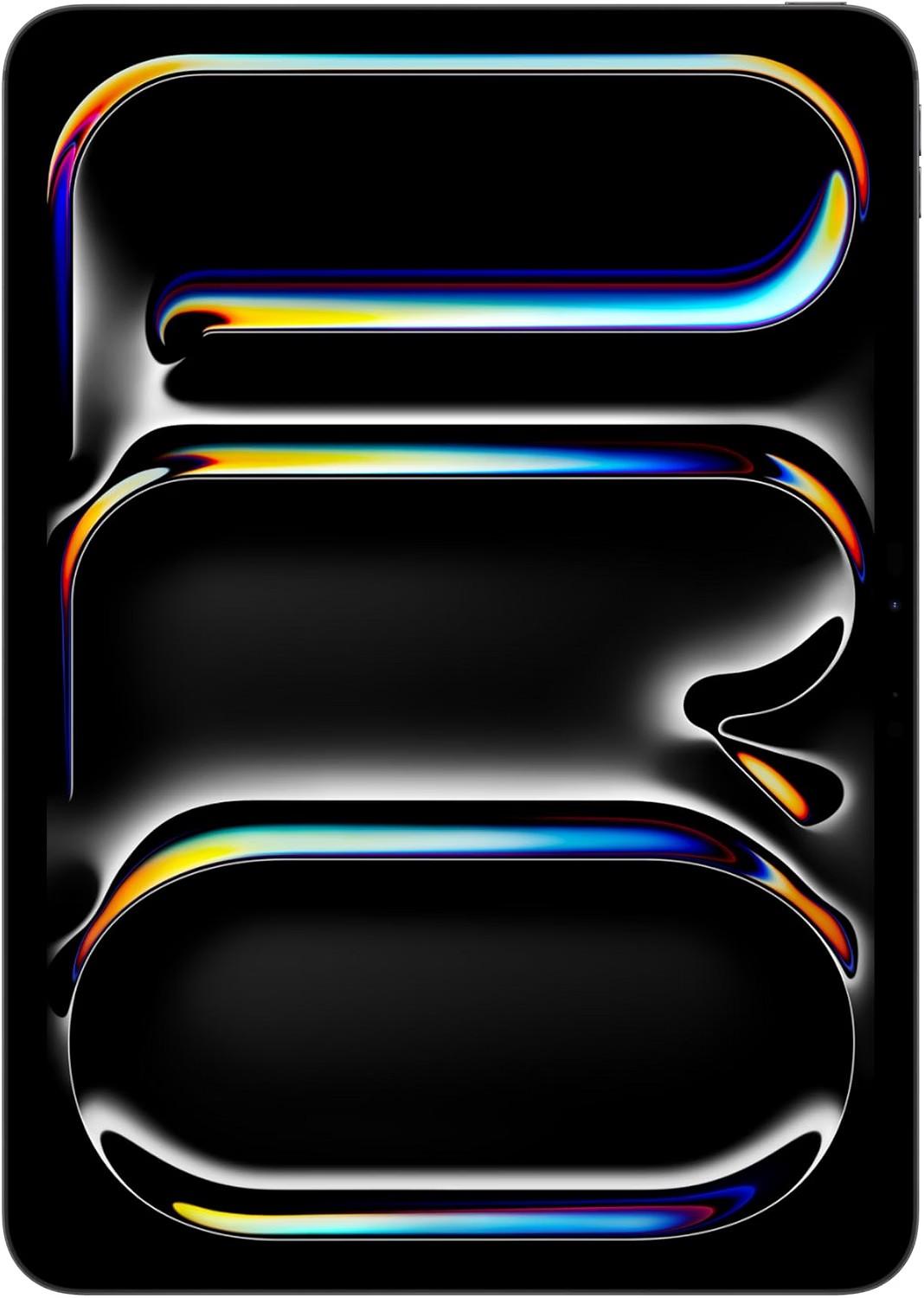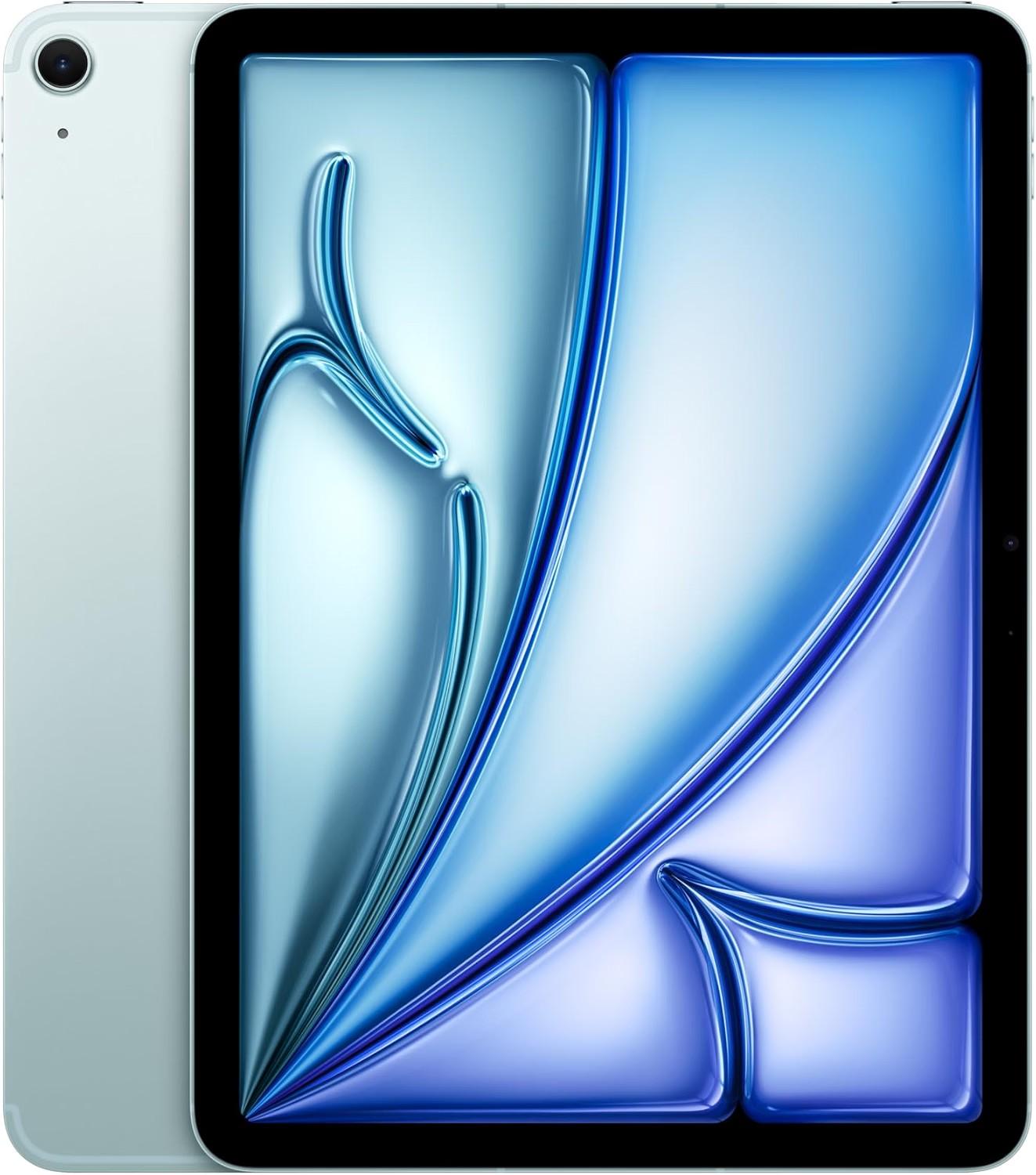
The iPad Air and the iPad Pro now look more alike than ever. Both come in 11 and 13 inch sizes, both work with Apple Pencil Pro, both have a landscape front camera, Wi-Fi 7 and 5G. So what does the Pro add, and is it worth paying for?
The short answer: the iPad Pro is the better screen, and the iPad Air is the better buy for most people. The rest of this guide is about which of those two you are.
The two side by side
The specification as it appears on our product pages, for the 13 inch Wi-Fi + Cellular models we stock:
| iPad Pro 13 inch, M5 | iPad Air 13 inch, M4 | |
|---|---|---|
| Display | Ultra Retina XDR, tandem OLED, ProMotion up to 120Hz | Liquid Retina, LED backlit LCD |
| Brightness | 1000 nits, 1600 nits peak HDR | 600 nits |
| Chip | M5, 9 core CPU (10 core on 1TB and 2TB), 10 core GPU | M4, 8 core CPU, 9 core GPU |
| Memory | 12GB, or 16GB on 1TB and 2TB | 12GB |
| Storage | 256GB to 2TB | 128GB to 1TB |
| Unlock | Face ID | Touch ID in the top button |
| Port | Thunderbolt and USB 4, up to 40Gb/s | USB 3, up to 10Gb/s |
| Rear camera | 12MP with LiDAR Scanner and True Tone flash | 12MP |
| Audio | Four speakers, four microphones | Landscape stereo speakers, two microphones |
| Battery | Up to 10 hours | Up to 10 hours |
| Thickness and weight | 5.1 mm, 582 g | 6.1 mm, 617 g |
The 11 inch models follow the same pattern. The 11 inch iPad Pro is 5.3 mm thin and 446 g; the 11 inch iPad Air is 6.1 mm and 465 g, with a 500 nit display.
Prices
Each line opens the product page, where you choose the storage and colour.
What the iPad Pro adds
The display, above all
This is the reason to buy the Pro. Its Ultra Retina XDR display is a tandem OLED panel, so black is truly black and highlights in HDR reach 1600 nits. It also has ProMotion, which adjusts the refresh rate up to 120Hz, so scrolling and Apple Pencil strokes look smoother.
The iPad Air’s Liquid Retina display is fully laminated, with an antireflective coating and P3 wide colour, and it is a very good screen. Next to the Pro in a dark room, the difference is obvious. In a bright office, much less so.
Face ID and Thunderbolt
The Pro unlocks with Face ID; the Air uses Touch ID in the top button. Both work well, and Touch ID is no hardship.
The Pro’s USB-C port supports Thunderbolt and USB 4 at up to 40Gb/s, against 10Gb/s on the Air. That matters if you move large video files to and from fast external drives, and very little otherwise. The Pro can also drive an external display at 5K and 120Hz, as well as 6K at 60Hz.
The cameras and sound
The Pro adds a LiDAR Scanner and an adaptive True Tone flash to its 12MP rear camera, and records ProRes video (at up to 4K and 30fps, or 1080p on the 256GB model). It has four speakers and four studio quality microphones against two of each on the Air. If you record on the iPad itself, that counts. If you mostly watch and call, the Air sounds fine.
Thinner, lighter, more storage
The 13 inch Pro is a millimetre thinner and 35 grams lighter than the 13 inch Air. It starts at 256GB rather than 128GB and goes up to 2TB, and the 1TB and 2TB models have 16GB of memory and a 10 core CPU.
What they share
- Apple Pencil. Both work with Apple Pencil Pro and Apple Pencil (USB-C). Our Apple Pencil guide explains the difference.
- Apple Intelligence. Both are built for it.
- The landscape front camera, a 12MP camera with Centre Stage on the long edge, where it belongs for video calls with a keyboard attached.
- Wi-Fi 7 and Bluetooth 6, on Apple’s N1 chip, and 5G on the Apple C1X modem in the cellular models.
- Battery life, rated at up to 10 hours of web browsing or video, and 9 on cellular.
They do not share a keyboard. Each has its own Magic Keyboard, and neither fits the other; our Magic Keyboard guide lists which one fits which iPad.
Cellular means eSIM only
Every iPad we currently stock is the Wi-Fi + Cellular model, and every one takes an eSIM only. There is no slot for a physical SIM card.
Before you buy, check that your network can issue an eSIM for an iPad. Our eSIM guide explains how eSIM works on Nigerian networks.
Which to buy
Buy the iPad Air M4 if you take notes, draw, study, browse, watch, call and edit photos. It does all of it well, it is built for Apple Intelligence, and the money you save buys an Apple Pencil Pro and a keyboard.
Buy the iPad Pro M5 if you edit video or photographs seriously, draw for a living, watch a lot of film on the iPad, or simply want the best display Apple puts on a tablet.
If neither, the iPad with A16 is the least expensive iPad we stock. It works with Apple Pencil (USB-C) and the Magic Keyboard Folio, but not with Apple Pencil Pro, and it does not support Apple Intelligence.
What to check before you pay
- The model and storage, under Settings, General, About.
- Activation Lock. The iPad must start at setup, not ask for a previous owner’s Apple Account.
- The display at full white and full black, for dead pixels and, on the Air, even backlighting.
- The port, by charging it, and the cellular connection once your eSIM is set up.
Buying from Redwhale
We stock both iPads at our Ikeja store and deliver nationwide. Every unit is tested before it reaches the shelf, and purchases carry a 15 day return policy.
Browse iPads, or the Apple accessories that go with them.
Every unit is tested before it leaves the counter and backed by our 15 day return policy. Visit us in Ikeja, Lagos or order online for delivery.