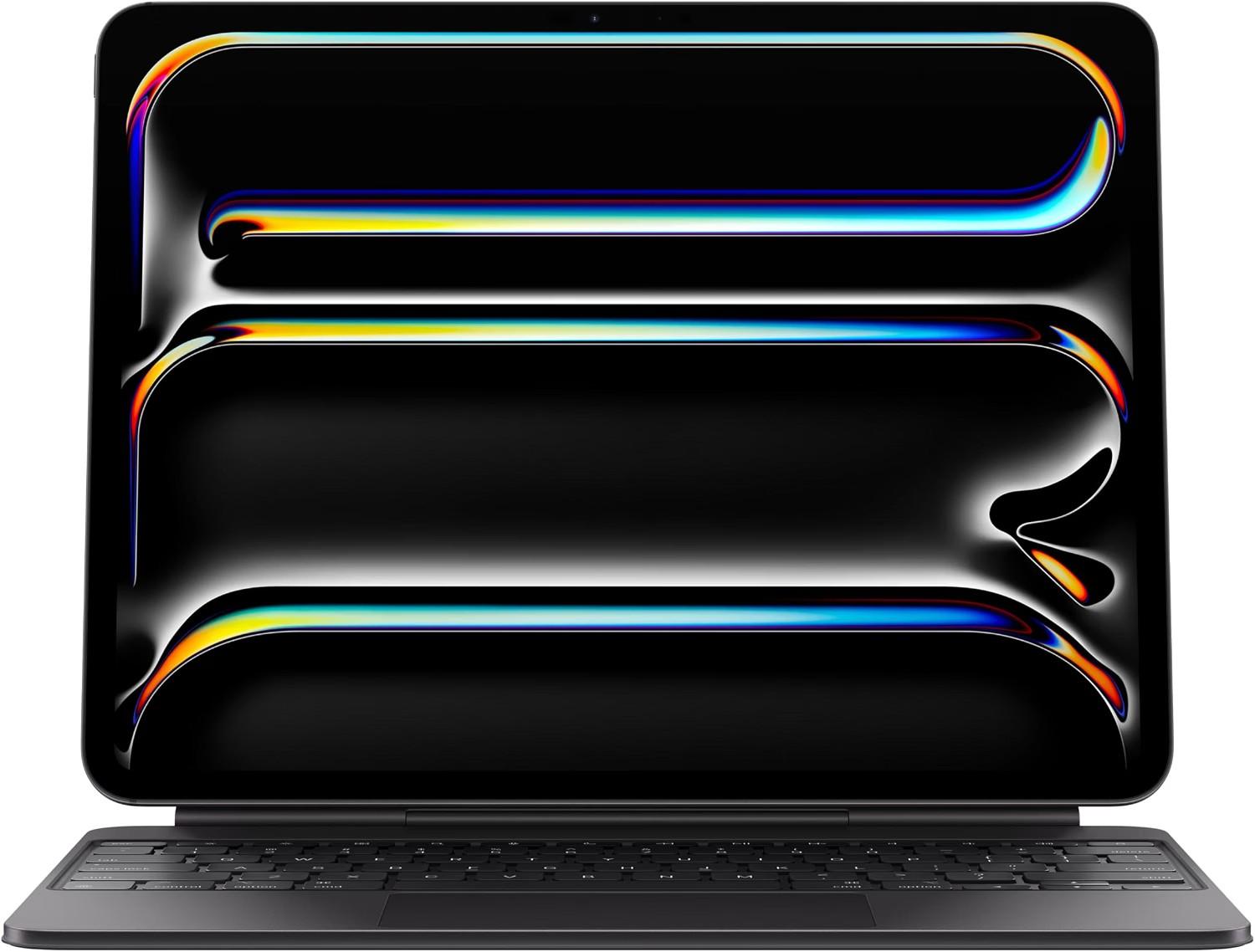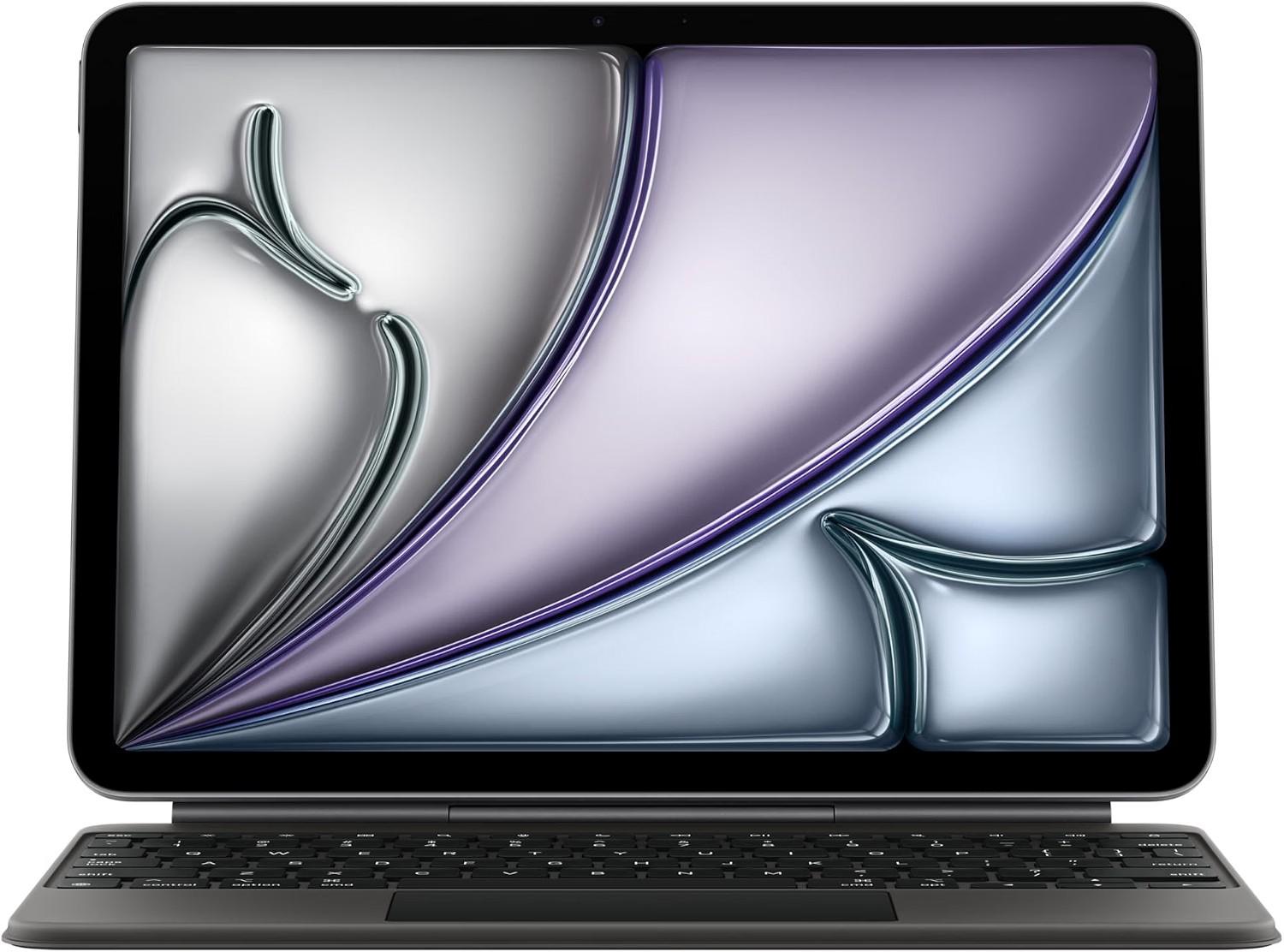
Apple’s keyboards for iPad look alike and are named alike, and they are not interchangeable. Each one fits a specific family of iPads, in a specific size, and a keyboard for the wrong one simply will not attach. This guide is the short list.
Which keyboard fits which iPad
As listed on our product pages:
| Keyboard | Fits |
|---|---|
| Magic Keyboard Folio for iPad (A16 and 10th generation) | iPad (A16), iPad (10th generation) |
| Magic Keyboard for iPad Air 11 inch (M4, M3 and M2) | iPad Air 11 inch with M2, M3 or M4; iPad Air (4th and 5th generation) |
| Magic Keyboard for iPad Air 13 inch (M4, M3 and M2) | iPad Air 13 inch with M2, M3 or M4 |
| Magic Keyboard for iPad Pro 11 inch (M5 and M4) | iPad Pro 11 inch with M4 or M5 |
| Magic Keyboard for iPad Pro 13 inch (M5 and M4) | iPad Pro 13 inch with M4 or M5 |
To find your iPad’s model, open Settings, then General, then About. If your iPad is not in the right hand column, none of these keyboards fits it.
The two easiest mistakes to make:
- An iPad Pro keyboard on an iPad Air, or the other way round. They are different shapes, and they do not fit.
- The right family in the wrong size. The 11 inch and 13 inch keyboards are separate products.
Prices
The three designs
Magic Keyboard Folio, for iPad (A16)
The Folio is a two piece design. A detachable keyboard and a protective back panel both attach to the iPad with magnets, and the back panel has an adjustable stand that holds any angle you like. Take the keyboard off and the iPad stays protected, standing up for a film or a video call.
It has comfortable keys with 1mm of travel, a 14 key function row for shortcuts, and a large trackpad that clicks anywhere. It comes in white.
Magic Keyboard for iPad Air
This one holds the iPad on a floating cantilever, so the screen hovers above the keys and tilts to the angle you want. It has the same 1mm keys and 14 key function row, a large glass trackpad, and a USB-C port for pass through charging, which leaves the iPad’s own port free. Closed, it is a case that covers the front and back. It comes in white or black.
Magic Keyboard for iPad Pro
The Pro version keeps the floating design and adds three things:
- Backlit keys, for working in a dim room or on a night flight.
- An aluminium palm rest, which feels like a MacBook under your wrists.
- A larger glass trackpad with haptic feedback, which clicks without moving, like the trackpad on a Mac.
Its hinge is machined aluminium, with the USB-C pass through port built in. It comes in black or white.
Is a Magic Keyboard worth it?
It is if you type more than a few lines at a time. With a Magic Keyboard an iPad Air or iPad Pro works much like a small laptop, with a proper trackpad and cursor, and folds back into a tablet in a second.
If your iPad mostly lives on the sofa for reading and video, you may be happier with a case and an Apple Pencil. And if you are buying a new iPad to use as a laptop most of the time, compare it with a MacBook Air before you decide: once the keyboard is added, the prices come closer than you might expect.
Before you buy
- Check the model of your iPad, under Settings, General, About, against the table above.
- Check the iPadOS version. The keyboards for iPad Air and the Folio need iPadOS 18.3 or later, and the keyboard for iPad Pro needs iPadOS 17.4 or later.
- Know the layout. Every Magic Keyboard we stock is US English.
Buying from Redwhale
We stock every keyboard in this guide at our Ikeja store and deliver nationwide. Purchases carry a 15 day return policy.
Browse Apple accessories, or our iPads.
Every unit is tested before it leaves the counter and backed by our 15 day return policy. Visit us in Ikeja, Lagos or order online for delivery.