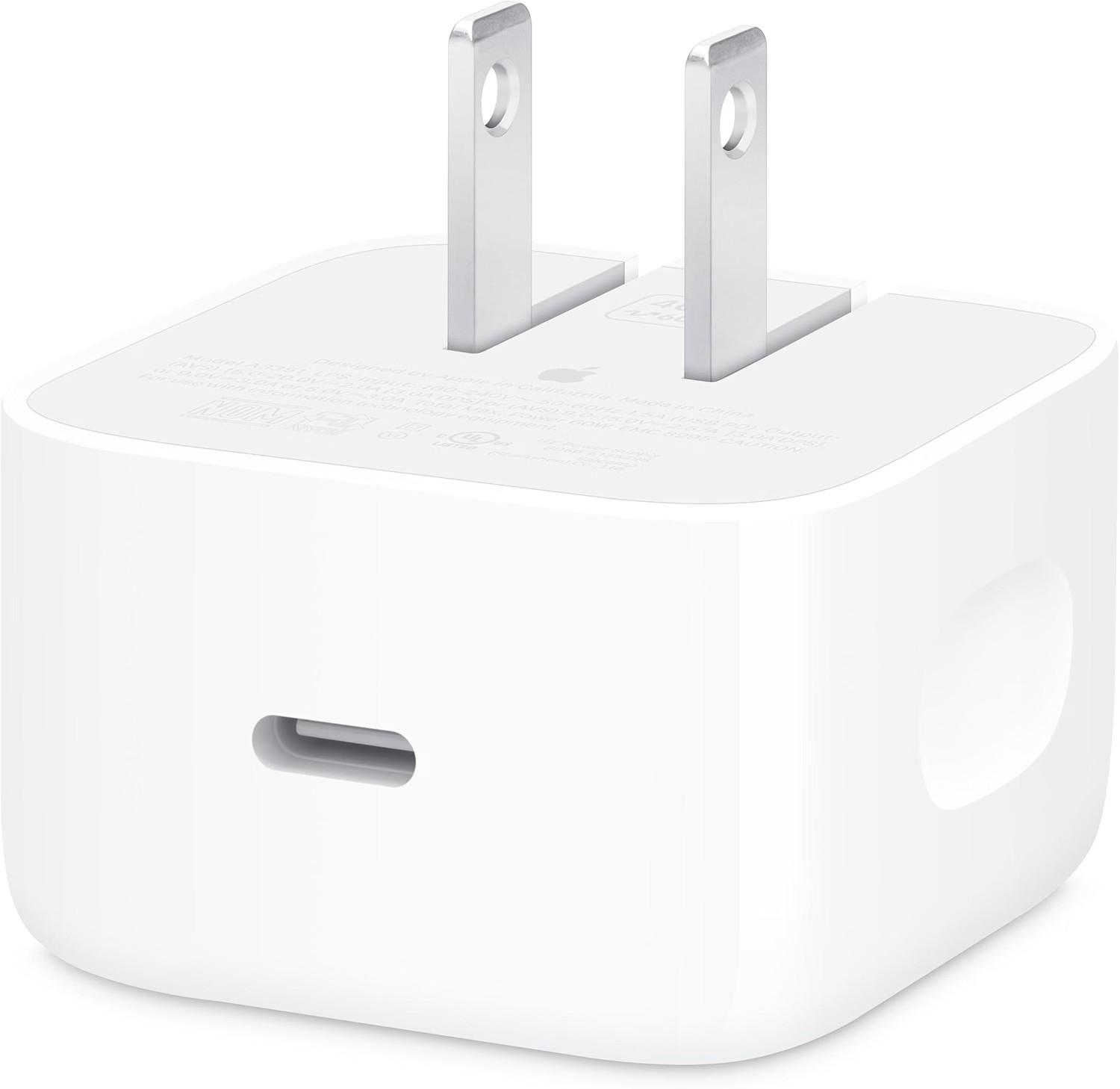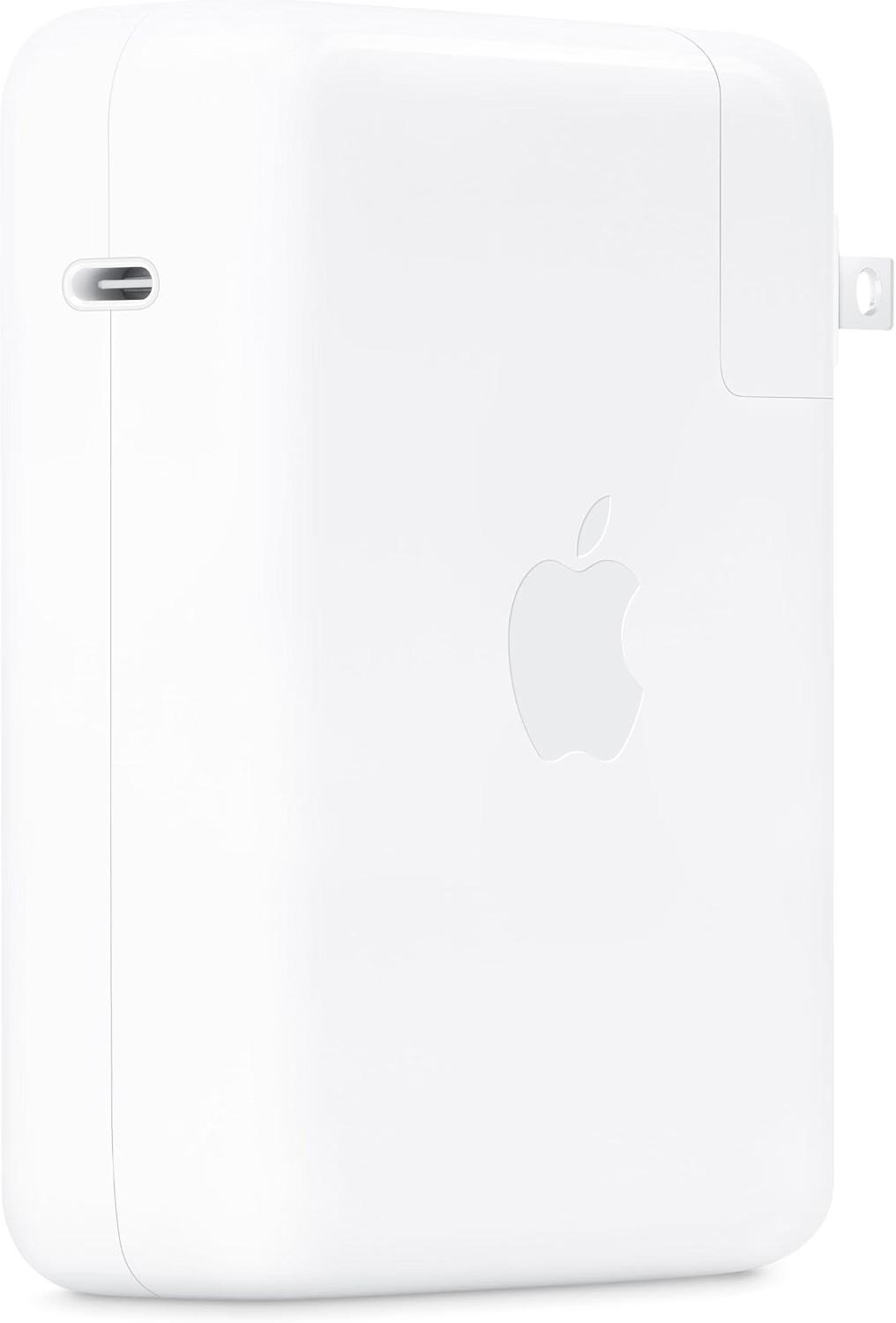
We stock Apple’s USB-C power adapters in four sizes, from 20W to 140W, and none of them comes with a cable. Any of them will charge an iPhone, an iPad or a Mac. What changes is how fast, so the right one depends on what you charge most, and how quickly you need it back.
Which adapter for which device
The figures are Apple’s, as listed on our product pages:
| Device | Adapter to choose | How fast |
|---|---|---|
| iPhone 8 or later | 20W USB-C | About 50 percent in around 35 minutes |
| iPhone 17, 17 Pro, 17 Pro Max, iPhone Duo | 40W Dynamic with 60W Max | About 50 percent in around 20 minutes |
| iPhone 18 Pro, 18 Pro Max | 40W Dynamic with 60W Max | About 50 percent in around 15 minutes |
| iPad (A16), iPad Air | 20W USB-C | Apple’s recommendation for iPad Air |
| iPad Pro (M5) | 70W or 140W | About 50 percent in around 30 minutes with 60W or more |
| MacBook Air (M5) | 40W Dynamic, in the box; 70W to fast charge | About 50 percent in around 30 minutes with the 70W |
| 14 inch MacBook Pro | 70W or 96W, in the box; 140W to fast charge | Fast charges with 96W or more |
| 16 inch MacBook Pro | 140W, in the box | About 50 percent in around 30 minutes |
Apple’s MacBook fast charging figures are with a USB-C to MagSafe 3 cable. For the 70W adapter on a MacBook Air, a USB-C charge cable works too.
Prices
The four adapters
20W USB-C Power Adapter
The small one, and still the right choice for most phones. It fast charges any iPhone from iPhone 8 onwards to about 50 percent in around 35 minutes, and it suits AirPods and iPads. Apple recommends it for iPad Pro and iPad Air too.
Buy it if you charge one iPhone overnight and want an original Apple adapter at the lowest price.
40W Dynamic Power Adapter with 60W Max
The new one. It delivers 40W, and boosts up to 60W when a device can take it, using USB Power Delivery 3.2 with Adjustable Voltage Supply. That is what lets an iPhone 18 Pro reach about 50 percent in around 15 minutes, and the iPhone 17 models and iPhone Duo in around 20. It also charges iPad and MacBook Air, and it is the adapter in the box with the M5 MacBook Air.
One thing catches people out: fast charging needs a USB-C cable rated 60W or higher. An older or thinner cable will charge, but at the slower rate.
Buy it if you have a recent iPhone and want the fastest top up, or you want one small charger for a phone and a MacBook Air.
70W USB-C Power Adapter
The laptop size. It charges the MacBook Air and the 14 inch MacBook Pro, and fast charges the MacBook Air (2022 or later) to about 50 percent in around 30 minutes. It is the adapter in the box with the 14 inch MacBook Pro with M5, M6 and the 15 core M5 Pro.
Buy it if you own a MacBook Air and want faster charging than the 40W, or you want a spare for a 14 inch MacBook Pro to leave at work.
140W USB-C Power Adapter
The big one, made for the 16 inch MacBook Pro, which it fast charges to about 50 percent in around 30 minutes with a USB-C to MagSafe 3 cable. It also fast charges the MacBook Air (2022 or later) and the 14 inch MacBook Pro (2021 or later), and it works with any USB-C Mac, iPad or iPhone.
Buy it if you have a 16 inch MacBook Pro and want a second charger, or you want one adapter that fast charges every Mac you own.
Bigger is safe, smaller is slow
Apple’s adapters use USB Power Delivery: the adapter and the device agree on how much power to send, and the device only takes what it needs. A 140W adapter on an iPhone is perfectly safe; the iPhone simply charges at its own rate.
The other way round, a small adapter on a big Mac, also works, but slowly. Charge a 16 inch MacBook Pro from a 20W adapter during heavy work and the battery may still go down. Keep the adapter the Mac came with, or a larger one, as the everyday charger.
Do not forget the cable
None of the four adapters comes with a cable, and the cable matters as much as the adapter:
- For an iPhone or iPad, any USB-C charge cable. To fast charge from the 40W Dynamic adapter it must be rated 60W or higher, such as Apple’s 60W USB-C Charge Cable. An older iPhone with a Lightning port needs a USB-C to Lightning cable.
- For a MacBook on the 70W or 140W adapter, a USB-C to MagSafe 3 cable, or a USB-C charge cable rated for the power, such as the 2 metre, 240W version of Apple’s charge cable.
How to spot a fake charger
Fake Apple chargers are common, and a badly made charger is not just slow: it can run hot and damage the device it charges. Before you pay:
- Read the model number in the small print on the adapter. It should be A2305 for the 20W, A3351 for the 40W Dynamic, A2743 for the 70W and A2452 for the 140W.
- Look at the print. On an original it is crisp, even and correctly spelled.
- Feel the weight. Copies are often noticeably lighter.
- Be wary of the price. An “original” Apple charger at a fraction of the usual price is not original.
Buying from Redwhale
We stock every adapter in this guide at our Ikeja store and deliver nationwide. Purchases carry a 15 day return policy.
Where the mains supply is unsteady, plug chargers into a surge protector rather than straight into the wall. It protects the adapter and whatever is charging from it.
Browse Apple accessories.
Every unit is tested before it leaves the counter and backed by our 15 day return policy. Visit us in Ikeja, Lagos or order online for delivery.